Monster Trucks: Racing Challenge
  • Monster Trucks: Racing Challenge

  • Developer: Daimyo Veil Digital
    Published: 2025-11-03
    Updated: 2026-07-04
  • Driving , Racing
PLAY NOW

Reviews

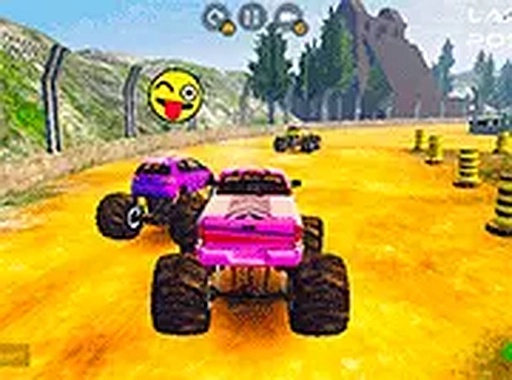
Monster Trucks: Racing Challenge delivers an engaging 3D racing experience with large, powerful trucks. The ability to customize colors and stickers, along with performance upgrades for engine, tires, and suspension, adds depth. The split-screen mode is a highlight, allowing two players to compete on the same computer. The game runs smoothly in a browser without downloads, making it accessible and convenient for quick racing sessions.

About this game

Game Introduction

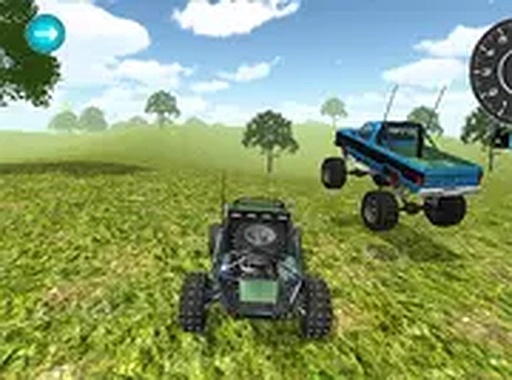
Monster Trucks: Racing Challenge is a 3D racing game where players drive large, powerful trucks on various tracks. The main goal is to compete against computer-controlled opponents and finish each race in first place. What makes this game stand out is the mix of truck power, the ability to change how your truck looks and performs, and a special mode that lets two people race against each other on the same computer. All of this is available right in your web browser without needing to install anything.

How to Play

Players control their truck using typical keyboard inputs for steering, accelerating, and braking. The aim is to complete laps faster than the other racers. While driving, players can pick up helpful items placed on the track and steer clear of barriers or other hazards. Learning how to handle sharp turns and big jumps on each course is important for setting good lap times and winning races.

Game Features

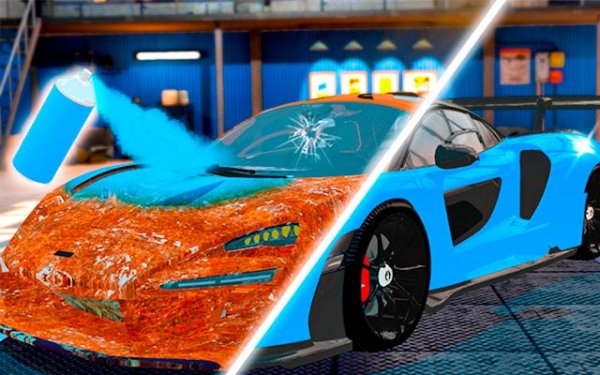
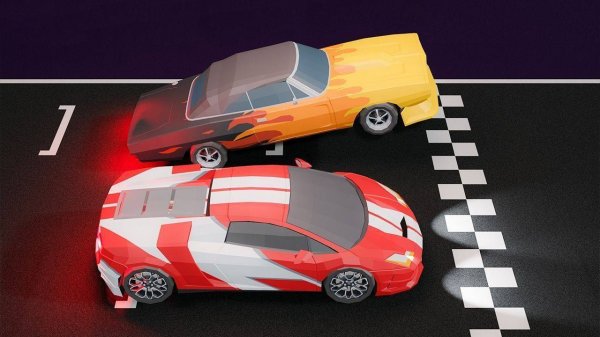
The game includes 3D visuals that show the trucks and tracks in detail. Players can personalize their truck with different colors and stickers. It is also possible to improve the truck's parts, such as the engine, tires, and suspension, to make it perform better on the track. A split-screen mode allows two players to race on the same computer. The game runs for free in a web browser with no download required and offers a full-screen option for a more focused view.

Tips for Success

Spend time learning each track to find the best paths and improve your lap times. Collect power-ups and avoid obstacles whenever possible. When upgrading your truck, focus on parts that match how you like to drive. If you play split-screen, make sure both players have comfortable control settings. Regular practice will help you master turns and jumps, leading to more victories.
Compatibility

This H5 game runs smoothly on:
• Desktop computers (Windows / Mac) • Mobile phones (iPhone / Android)
• Tablets (iPad / Android)
🌐 Best experienced with Chrome, Safari, or Edge
Advertisement

Faq

Can I play Monster Trucks: Racing Challenge on a mobile device?
The game is designed to run in a web browser on a computer. It may not be optimized for touch controls on phones or tablets, but you can try accessing the game website from a mobile browser to see if it works.
Are there different difficulty levels for the AI opponents?
The game likely includes varying difficulty settings for computer-controlled opponents, allowing players to choose a challenge that matches their skill level. This is common in racing games, but the exact options are not specified in the game description.
How many tracks are available in Monster Trucks: Racing Challenge?
The game includes a variety of tracks, each with unique layouts, jumps, and obstacles. The exact number is not provided, but players can expect several different courses to master, each requiring different driving strategies.
Is there a career or progression mode in the game?
The game may include a progression system where players earn rewards for winning races, which can be used to unlock new customization options or upgrades. This is a common feature in racing games, but the specific structure is not detailed in the description.
Can I save my truck customization and upgrades between sessions?
Since the game runs in a browser, it likely uses cookies or local storage to save your progress and preferences. This means your customized truck and upgrades should be preserved when you return to the game, as long as you use the same browser and device.
Does the split-screen mode support more than two players?
The split-screen mode is described as allowing two players to race on the same computer. It is not indicated that more than two players can participate in this mode, so it is likely limited to head-to-head races between two people.